Shift work
From plan to payroll
- Plan the shift
- Do the work
- Confirm actuals
- Send to payroll
The shift, actuals, premiums and absences travel the same route to payroll.
Opening September 2026
A clearer day for employees, a better overview for management – and less to sort out for everyone.
1 exception highlighted
Confirm dayWorkforce ERP
Working time is the foundation. Shifts, projects, sales, HR and travel and expenses are add-ons you switch on as needed.
The Kelomo difference
The plan, completed work and approved actuals stay in the same chain. Every next step gets the data it needs, ready to use.
Shift work
The shift, actuals, premiums and absences travel the same route to payroll.
Client and project work
The quote, work, expenses, margin and billing data stay connected.
Current people data supports resourcing, shifts, projects and supervisors.
Working time without filling it in afterwards
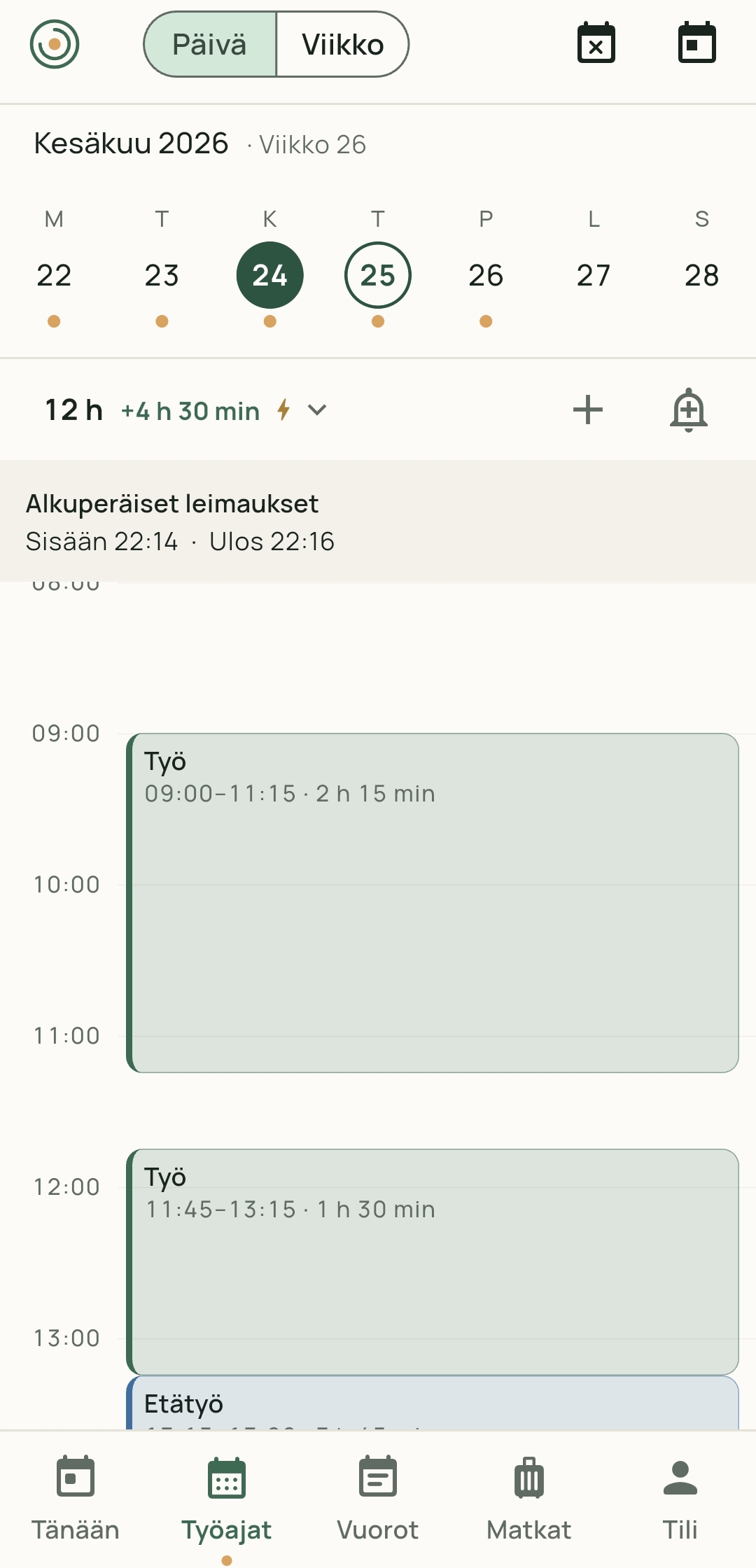
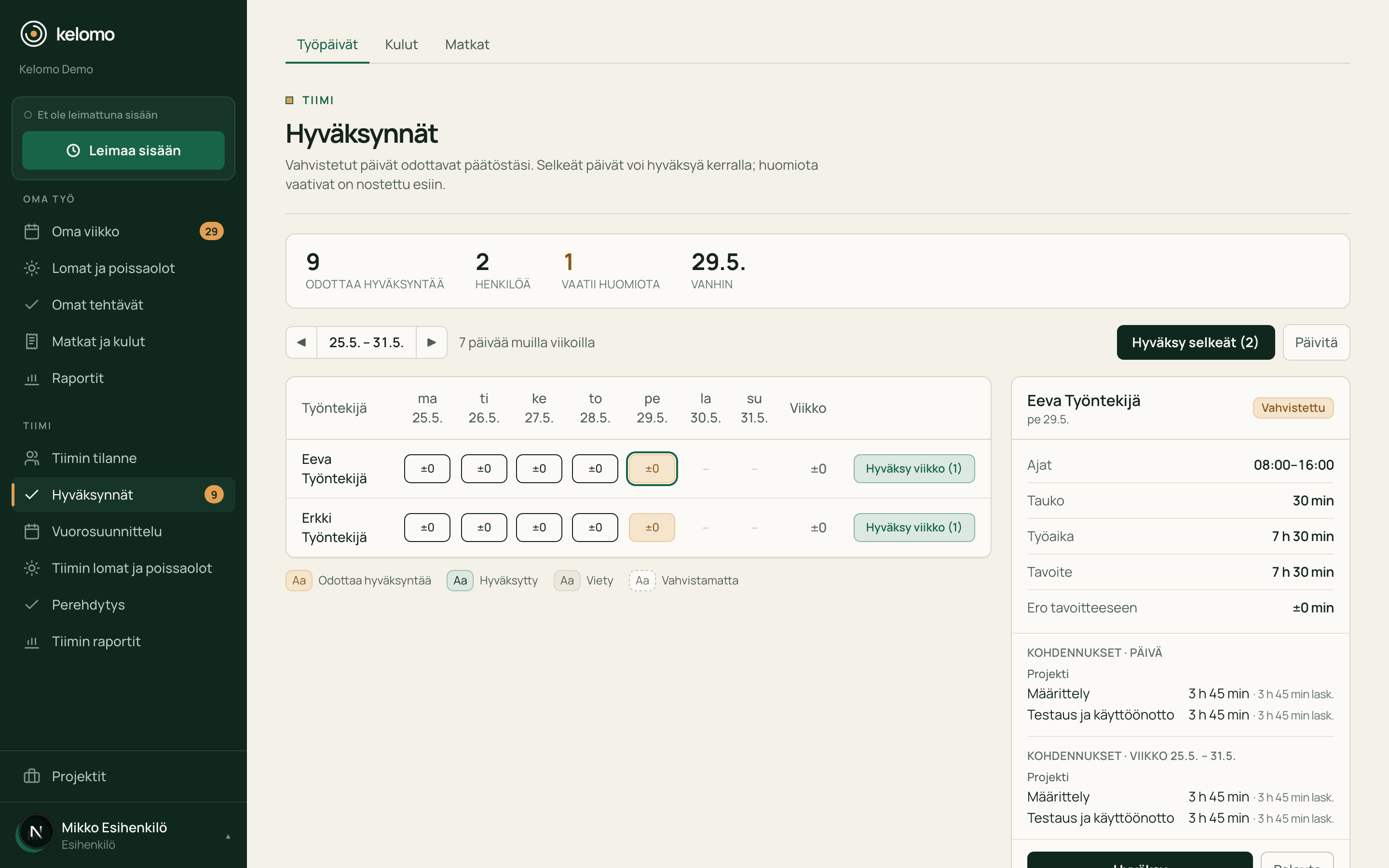
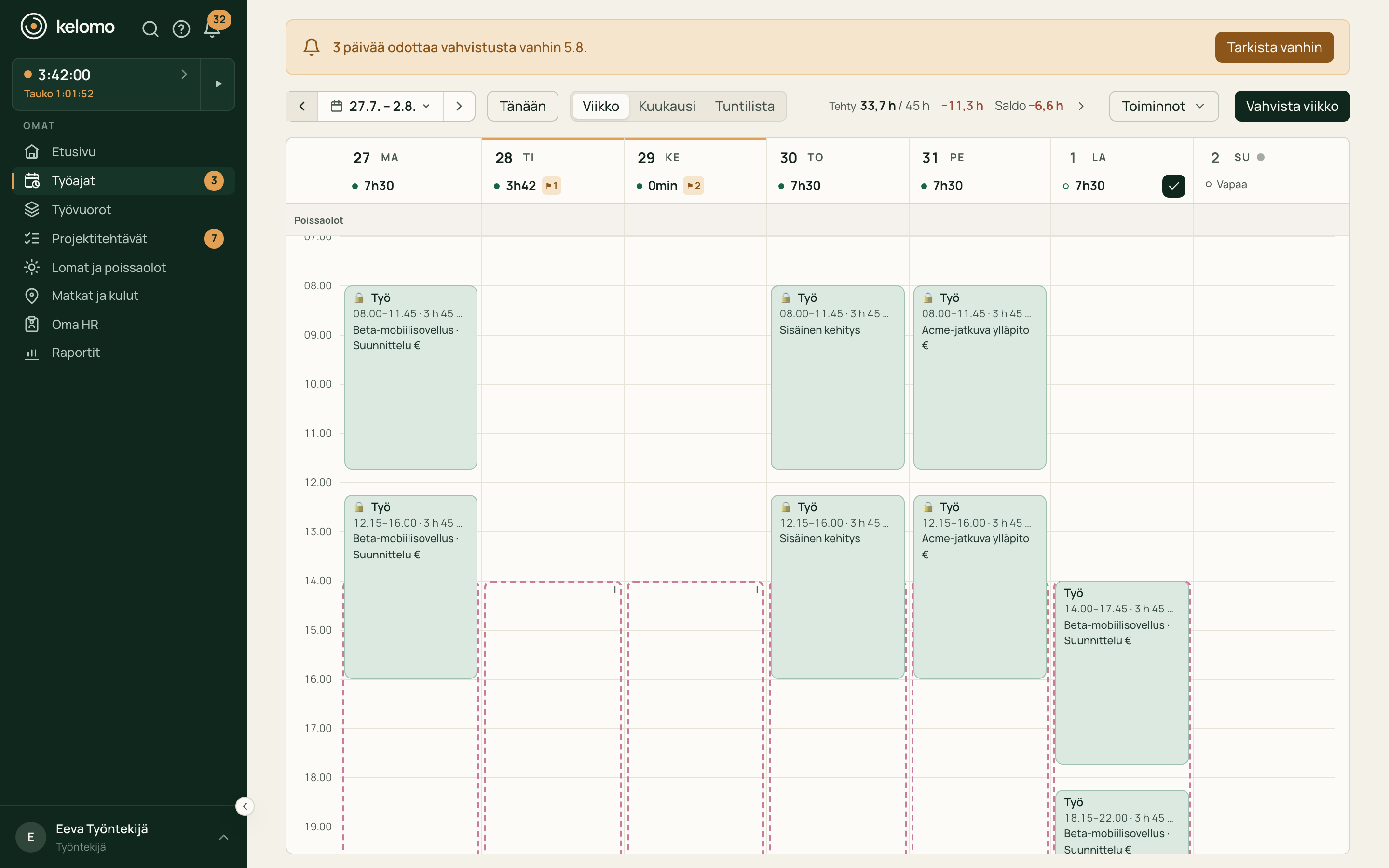
An ordinary workday is already waiting in Kelomo. The employee usually confirms it with one tap, and only the days that need attention reach the supervisor.
Built around the way you work
See what Kelomo looks like in your day-to-day work.
Employees should not have to fill in an ordinary workday from scratch.
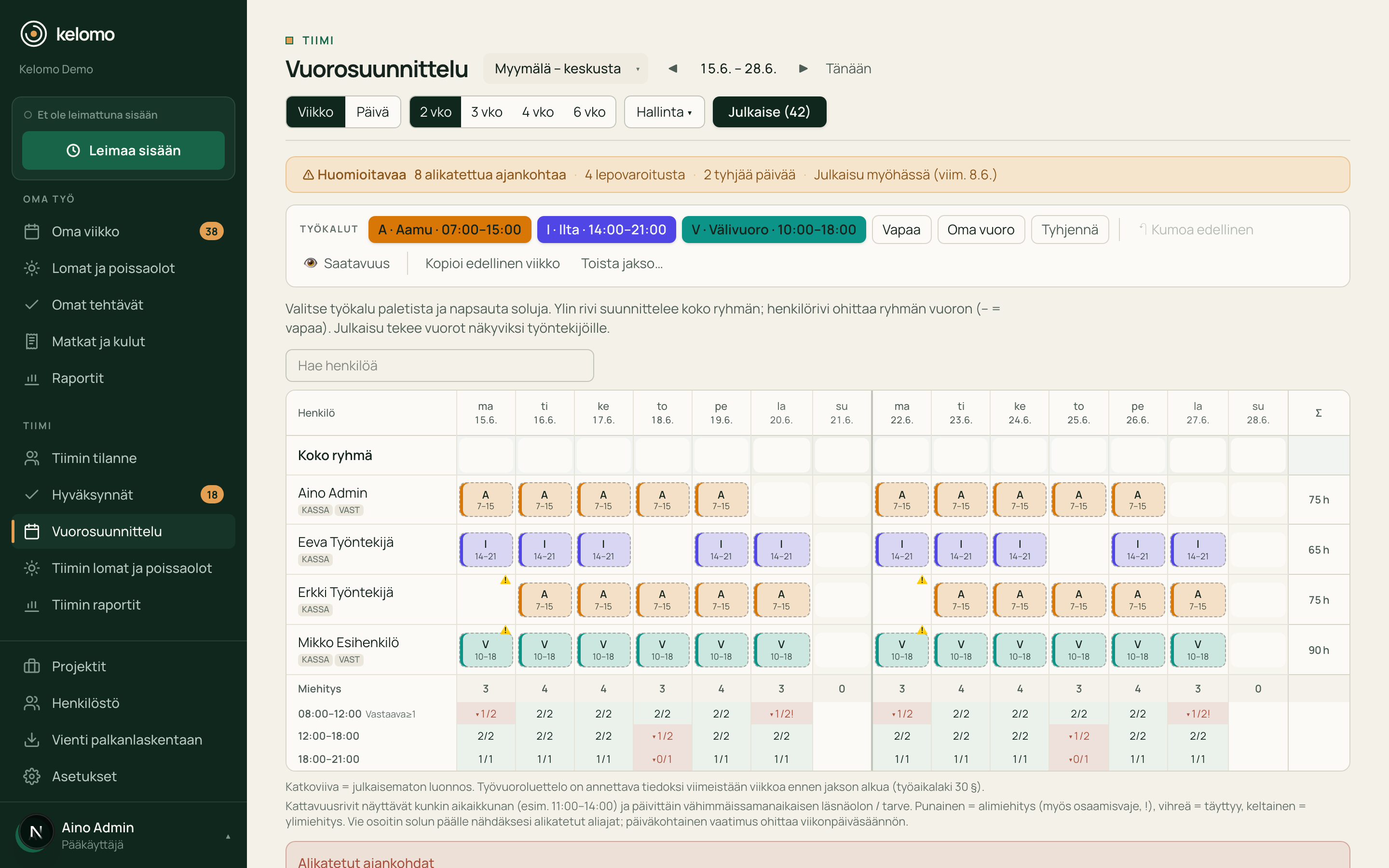
The roster must work both on paper and in the real working day.
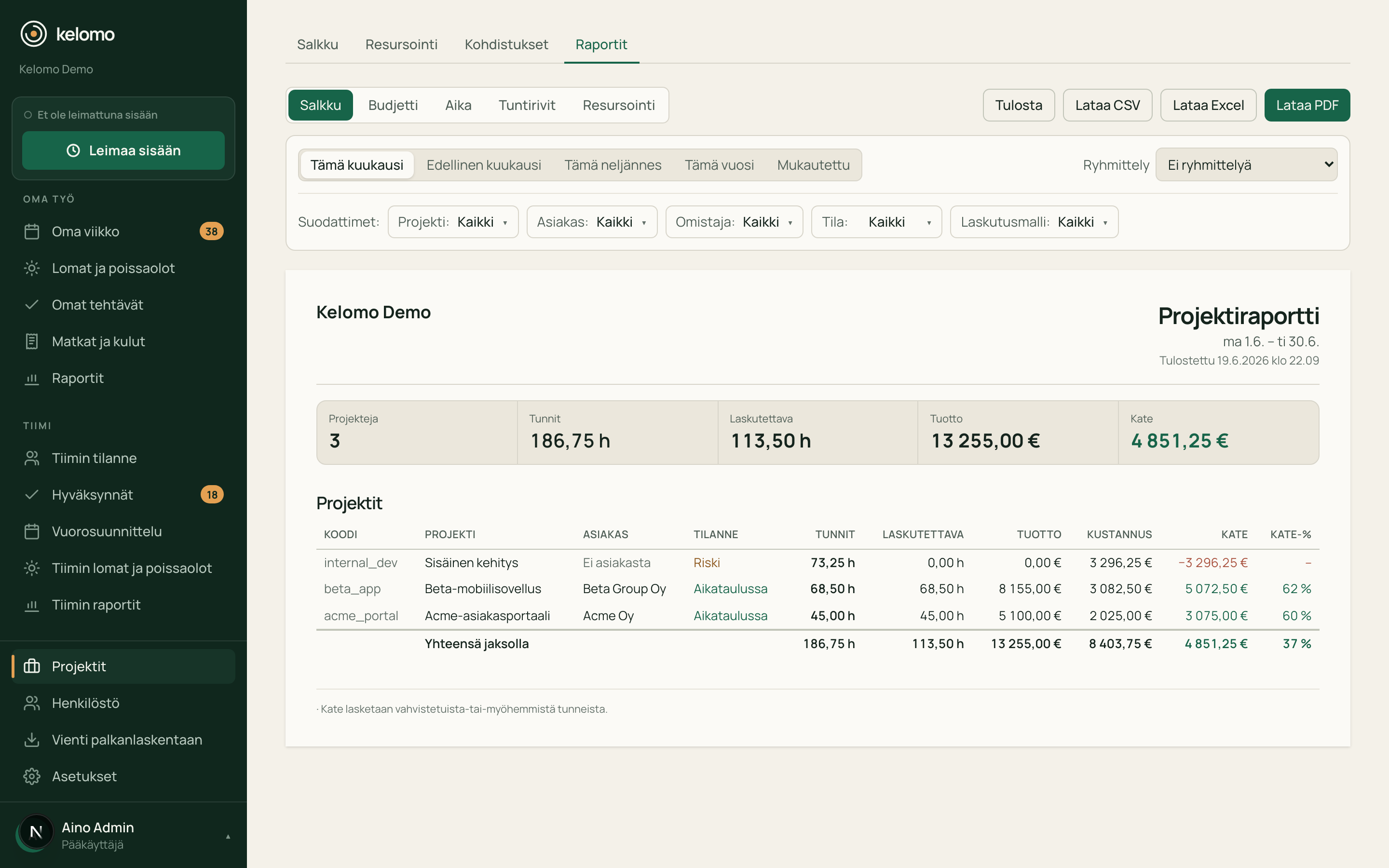
A project’s real status shows when hours, workload and margin are in the same view.
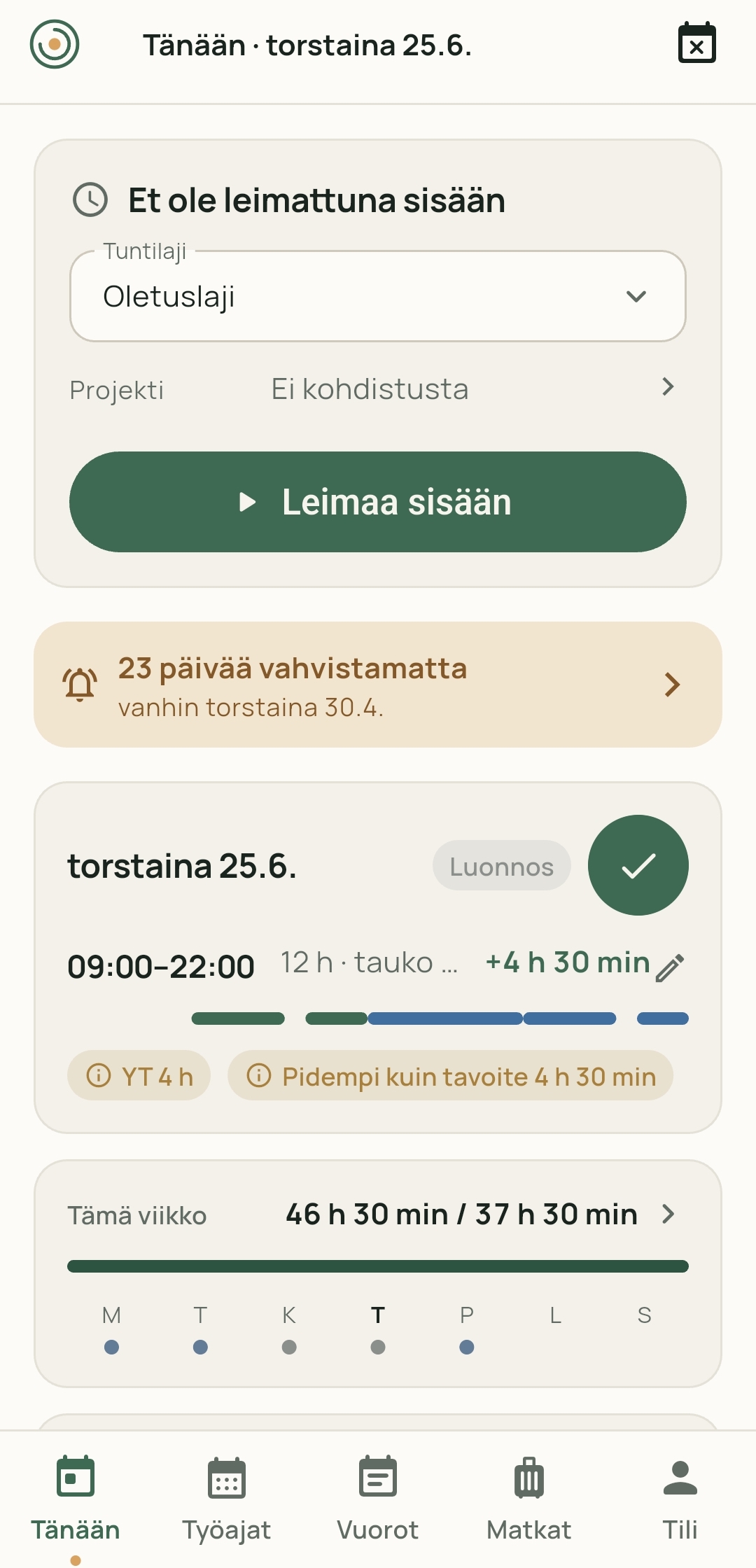
Kelomo on mobile
With Kelomo for iOS and Android, employees and supervisors handle the essential parts of the working day wherever work happens.
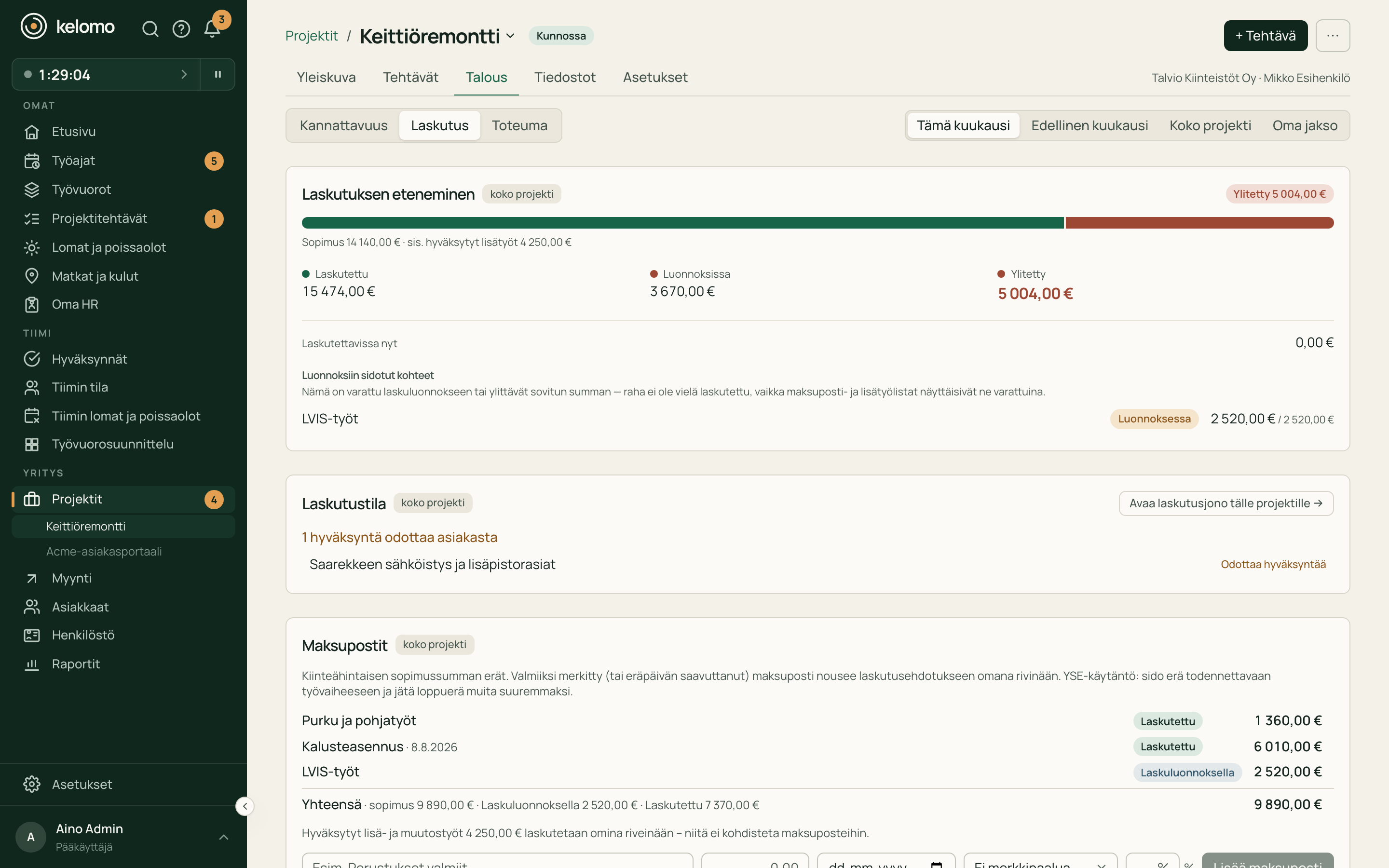
Sales, projects and billing
Leads, customers and quotes stay in the same workflow as projects, work and billing. When a deal is won, the work continues on the same data it was sold with.
A manageable way to start
Try Kelomo in real work with a small group. Expand once it has proved its value.
Create the company, choose the working-time settings and invite the first users. The whole organisation does not have to move over on the same day.
Import employees from a CSV file and complete the details in Kelomo instead of creating every user by hand.
Ready-made export formats cover common Finnish payroll systems, with a configurable CSV export for the rest.
Frequently asked
Yes. Once Kelomo opens in September 2026, you start the 30-day free trial yourself at app.kelomo.fi – no credit card, sales call or implementation project needed. Until then, the pilot programme is the way to get started.
Ready-made export formats: Procountor, Fivaldi, Netvisor, Mepco, Heeros, CGI Palkat, Fennoa and SD Worx. Mepco’s file is also read by Talenom, and a configurable CSV export covers other systems.
In Finland. Both the servers and the data stay in Finland. The Security page has more detail on the service’s architecture and data protection.
You can start with working-time confirmation and balances. Shifts, projects, customers, travel and HR data can be added later as needed.
Basic setup is self-service with no implementation project. Import your people from a CSV file and invite users by email.
After the trial you decide yourself whether to continue with Kelomo. The trial does not turn into a paid plan automatically.
Opening September 2026
Start with working-time confirmation and balances. Add shifts, projects, customers, HR, travel and expenses as add-ons when the need arises.